
PacsCube
Receive, manage, and share imaging through one unified workflow.
PacsCube, from DatCard, is one workflow to receive, manage, and share imaging, covering physical image sharing on DICOM CD, DVD, and USB and digital image sharing. Disc production, import, and scan cover the physical side, and PacsCube Digital the digital side. DatCard Systems is now Avandra, and the same team supports it.
- hospitals using DatCard and Sorna technology
- 2,000+hospitals using DatCard and Sorna technology
- years of image exchange heritage (Sorna founded 1999, DatCard 2000)
- 25+years of image exchange heritage (Sorna founded 1999, DatCard 2000)
One workflow
Physical and digital image sharing
PacsCube receives, manages, and shares imaging through one workflow, on disc or digitally. Product details for each follow below.
Physical image sharing
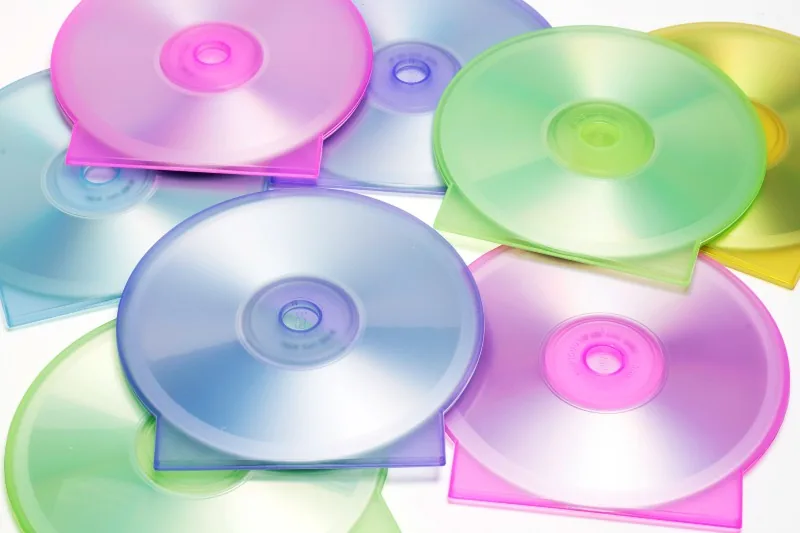
Burn labelled DICOM CDs, DVDs, and USBs with an embedded viewer, import outside discs, and scan paper documents into PACS.
Includes: PacsCube, Media Importer + Scan, Automated Disc Importer
Product detailsDigital image sharing
Send imaging as a secure link from the same job as the disc. Recipients download it in a browser, with no software to install.
Includes: PacsCube Digital
Product detailsPhysical image sharing
PacsCube disc production
PacsCube fully automates burning and labeling, producing consistent DICOM media with a viewer on every disc.
- ✓Records DICOM to discRecords DICOM images and results onto CD or DVD for easy portability.
- ✓Embedded viewerEmbeds a lite DICOM viewing tool so images and reports can be viewed from any computer.
- ✓Unique disc labelingEach disc is uniquely labeled with patient and study demographics, the facility logo, and an audit trail identifier.
- ✓Enterprise-wide requestsRequests can be submitted from any PC across the enterprise, with multiple jobs processing simultaneously.
- ✓Multi-disc and DVD spanningAutomatically spans multiple discs if needed, or burns to DVD.
- ✓Audit trail reportingProduces a label per disc with a unique audit trail identifier and generates an audit trail report to aid HIPAA compliance.
- ✓OEM viewer supportSupports a variety of OEM viewers, so you can keep the look and feel of your PACS viewer.
- ✓No extra softwareEncryption through decryption through importation requires no additional software.

Import and scan
Media Importer + Scan
Upload and scan documents into PACS, reconcile outside studies, and share data outside of discs.
Automated Disc Importer
A walk-up touch-screen system for batch importing outside discs. An integrated camera photographs each disc label for the audit trail, prints on Everest thermal retransfer, reconciles discs, and reports job status and audit history.
“PacsCube has helped increase our productivity while at the same time lowering our production costs, and bringing a positive impact to our patient experience.”
Digital image sharing
PacsCube Digital
PacsCube 6.0 introduces Digital Share, enabling secure delivery of medical imaging to patients and providers over the internet. Recipients can access and download images through a web-based portal without installing any software. Disc burning and digital sharing are now integrated into a single, unified workflow.
- 1
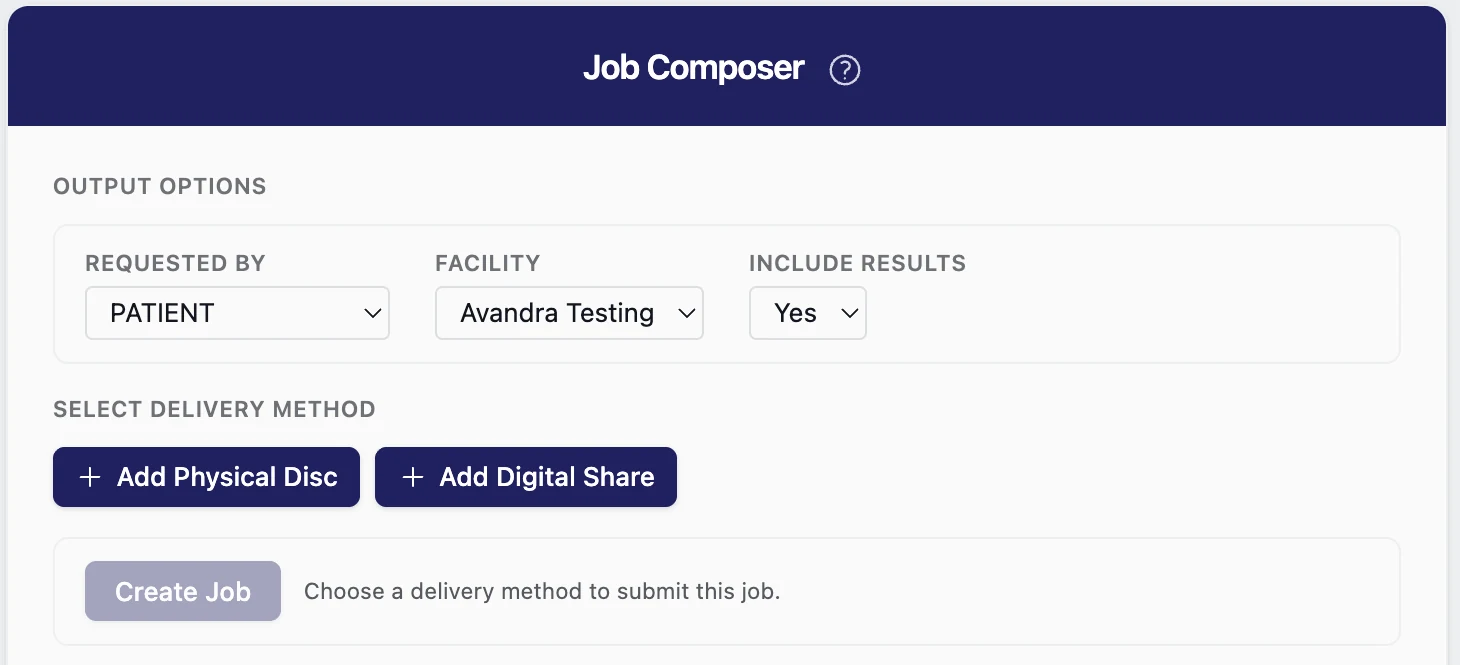
Create the job
Select the studies, then choose Physical Disc, Digital Share, or both. No need to switch workflows or applications.
- 2
Route securely
PacsCube packages the studies and sends them, encrypted, through the Avandra Cloud. The cloud only brokers the transfer.
- 3
Notify the recipient
The recipient gets an email branded with your facility's name and logo, with a secure link to their imaging.
- 4
Verify and download
The recipient confirms the patient's date of birth and enters a six-digit code, then downloads the studies with a viewer included.
- No new workflow
- Digital Share is a destination in the same workflow your team already uses for discs.
- Nothing to host
- Avandra runs the cloud. Your site only needs outbound HTTPS.
- Full visibility
- Track every share in My Jobs, see downloads, and revoke access at any time.
Encrypted in transit (TLS 1.2+) and at rest. Recipients verify identity before download. Shares expire after 30 days by default.
Customer Support
Already running PacsCube?
The same DatCard team supports PacsCube, Media Importer, and VIE at (877) 543-3898, Monday to Friday, 8:00 AM to 5:00 PM Central. Warranty and service agreements carried over unchanged.
PacsCubefrom DatCard Systems, an Avandra companysince 2000
PacsCube and DatCard, answered
What does PacsCube cover for physical and digital image sharing?
Is PacsCube discontinued?
Is DatCard still around?
Where do I order supplies?
What happened to the DatCard shop?
Does my warranty and service agreement carry over?
What is VIE and is it still running?
See PacsCube in your workflow
A 30-minute demo of physical and digital image sharing, scoped to the way images move through your organization.